
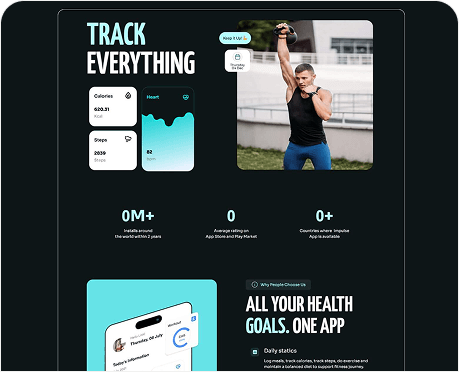
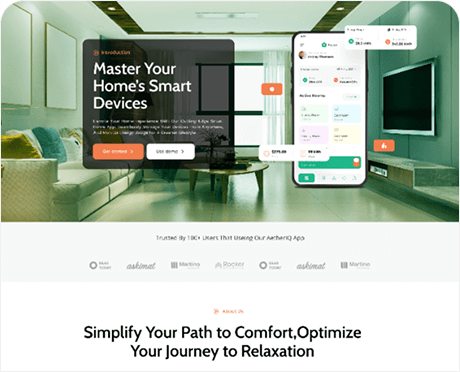
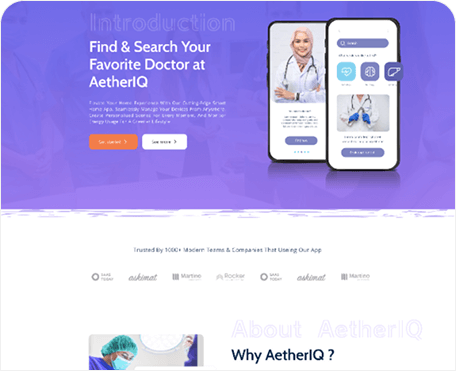
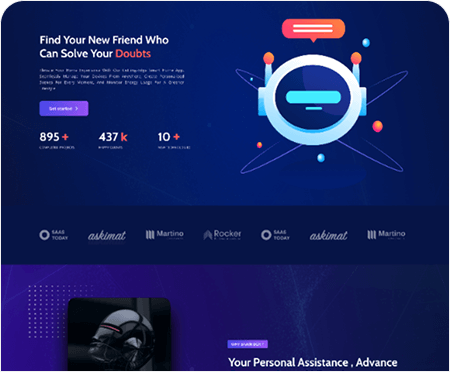
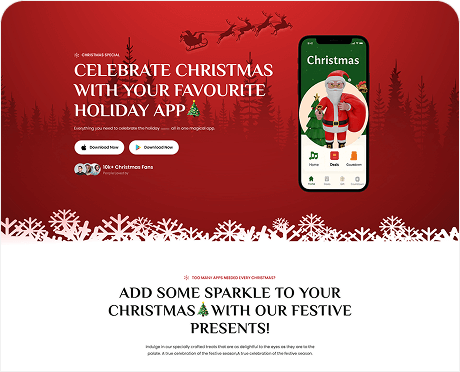
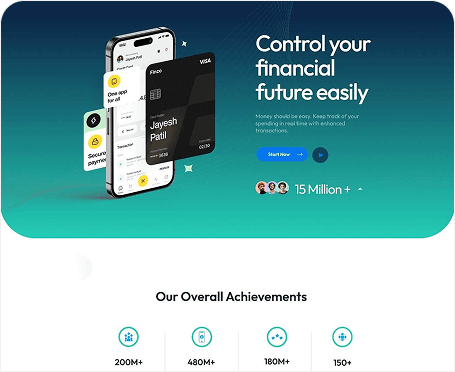



Looking for a quick start?
Use our ready-made templates
Step 1
Download The Theme
Step 2
Install & Activate The Theme
Step 3
Install all The Required Plugins
Step 4
Import Demo Content
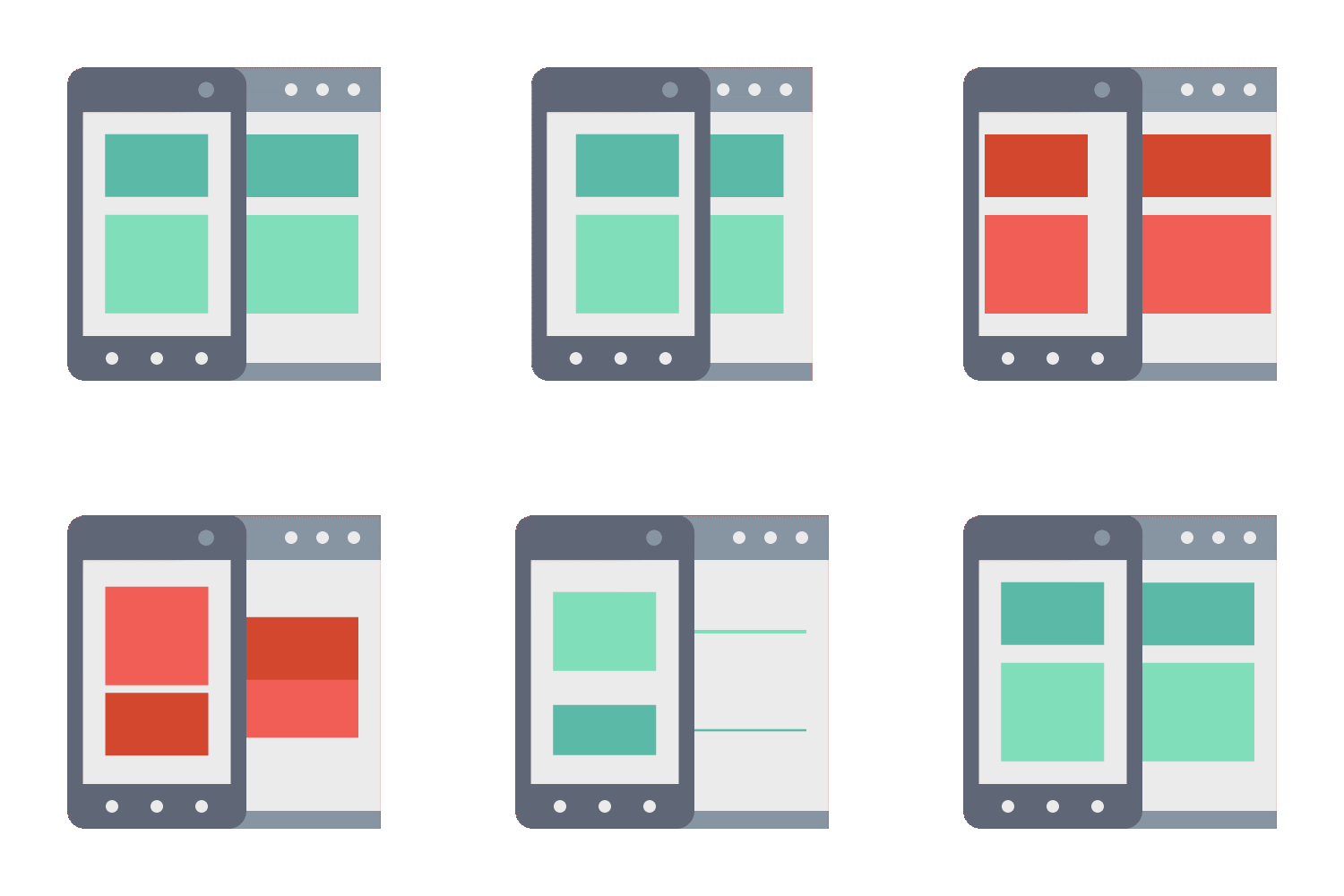
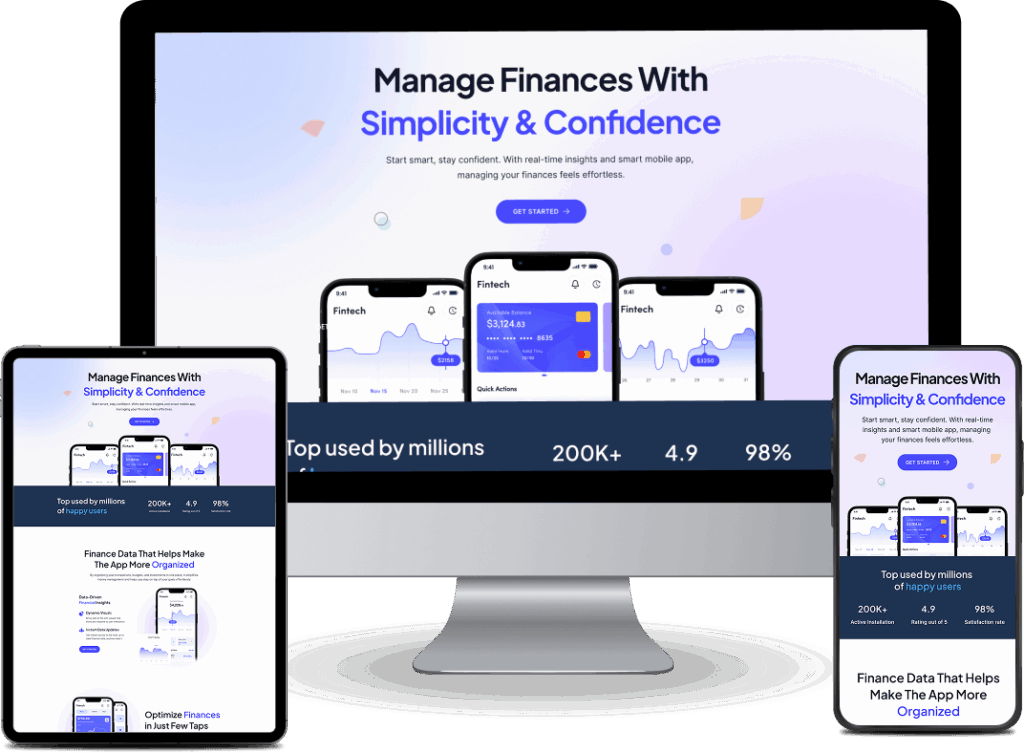
RESPONSIVE
Responsive Layout for Any Devices!
1920 x 1080px
Desktop Screen Layout
1364 x 768px
Desktop Screen Layout
1024 x 768px
Desktop Screen Layout
767 x 365px
Mobile Screen Layout
Need Any Any Support ?
Q. What is Fusion? How does it work?
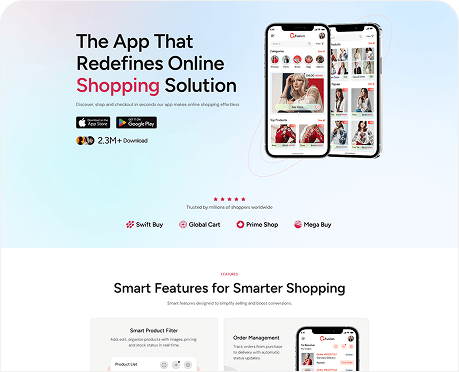
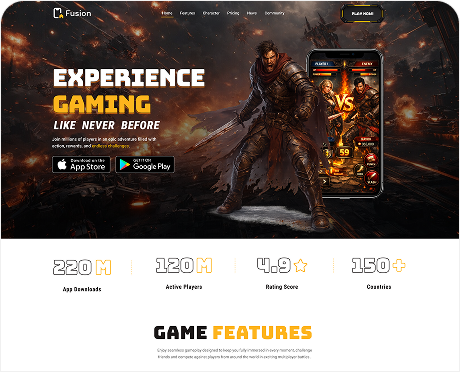
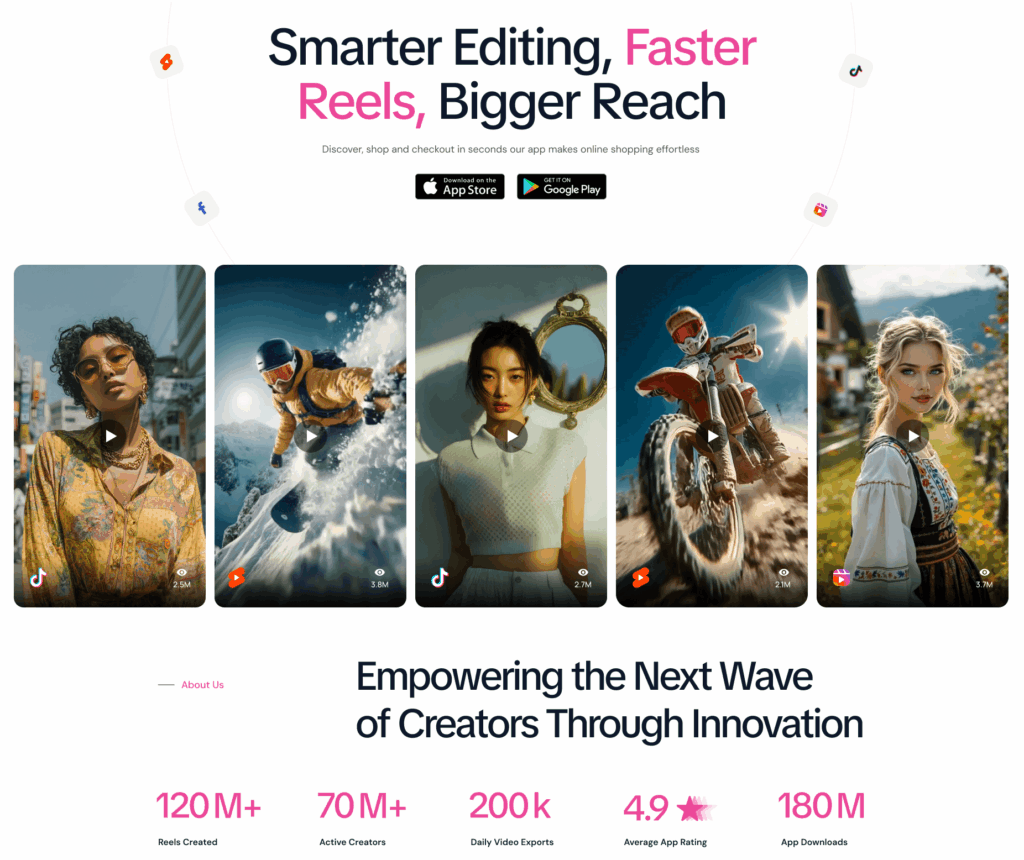
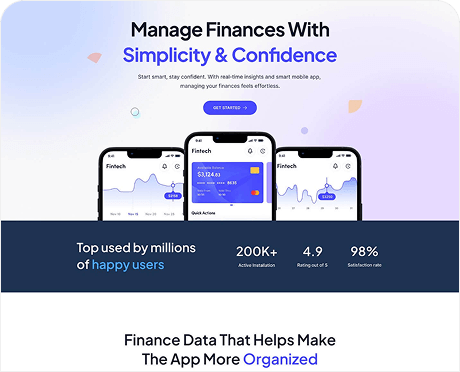
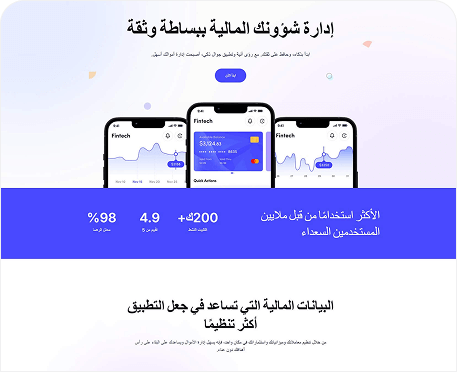
Welcome to AppFusion WordPress Theme. It works too much faster loading speed and you can works too much comfortability. AppFusion creates your website so much faster, use to use and Well Documented Codes for your customization.
Q. Can I change demo page layouts like delete sections or add new ones?
Absolutely! When it comes to WordPress themes, you have the flexibility to modify the layout as you see fit. Here’s a basic guideline on how you can delete sections or add new ones:
Backup Original Files
Understand HTML Structure
Test Responsiveness
Validate Code
Follow CSS Class Naming
Document Changes
Consider Accessibility
Use Semantic Markup
Q. Is AppFusion theme installation easy?
Yes, we have one-click demo installation feature, therefore installation is very easy. You can see our video installation tutorial here.
Q. Can I mix up different demos?
Yes, Install your chosen demo, then import additional homepage content as needed. This simplifies customization, allowing you to focus on creating a captivating online presence.
Q. How can I get the customer support?
After purchasing the product, if you need any support you can mail us. Our support team will contact with you soon.